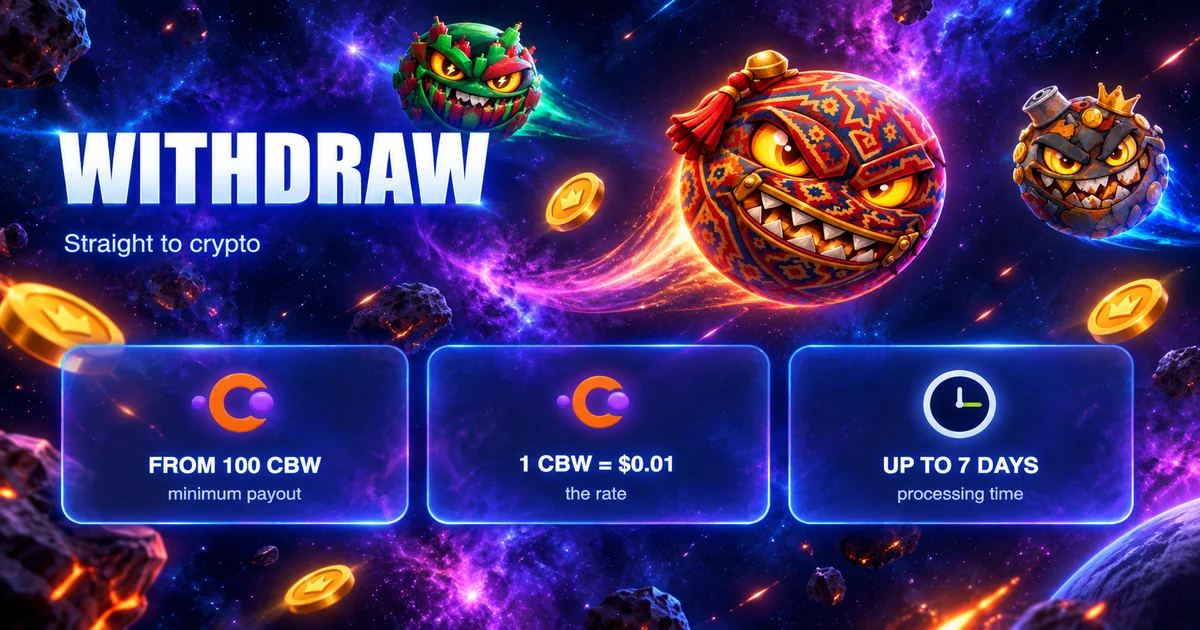
Earning
Withdrawing money
Updated 2026-10-07
| term | value |
|---|---|
| minimum | 100 CBW |
| rate | 1 CBW = $0.01 |
| timing | up to 7 days |
| what you receive | the cryptocurrency you choose when you withdraw |
| CBW | in dollars at the game’s rate |
|---|---|
| 100 | $1 |
| 250 | $2.5 |
| 1000 | $10 |
| 4500 | $45 |
The list of cryptocurrencies available for withdrawal keeps growing; news is posted in the game’s Telegram channel, on the site and on X (Twitter).
How withdrawal works now
- Open the ☰ menu (three bars in the corner), go to “Wallet” and tap “Connect”. You do not need to type in an address. Check that the connected wallet is yours; you can switch it with the “Change” button.
- In the same menu, open “Withdrawal”. The “Withdraw” button in the shop opens the same screen.
- Enter the amount. “Available to withdraw” is your CBW balance; “To receive” is how much cryptocurrency you will get. The Max button fills in your whole balance.
- Confirm. The message “Withdrawal request successfully created!” appears, and the CBW is taken from your balance right away.
- The status of the request is shown in the history: “In progress”, “Success” or “Error”.
Limits
- Without a connected wallet the game replies “Connect your wallet”; for an amount below the threshold, “Minimum withdrawal amount: 100 CBW”.
- A submitted request cannot be canceled in the game.
- Only CBW from your balance can be withdrawn. SCORE and XP cannot.
- CBW in the Gift Miner inventory does not count as balance (see “Gift Miner”).
- Withdrawals go only through the game screen and require no prepayment. A message like “we’ll withdraw it faster, just send a fee” comes from scammers.
Questions and answers
My request has the “Error” status. What happens to my CBW? If the request was declined, the CBW goes back to your balance. If it has not come back, write to support: the address is on the “Useful links” page.